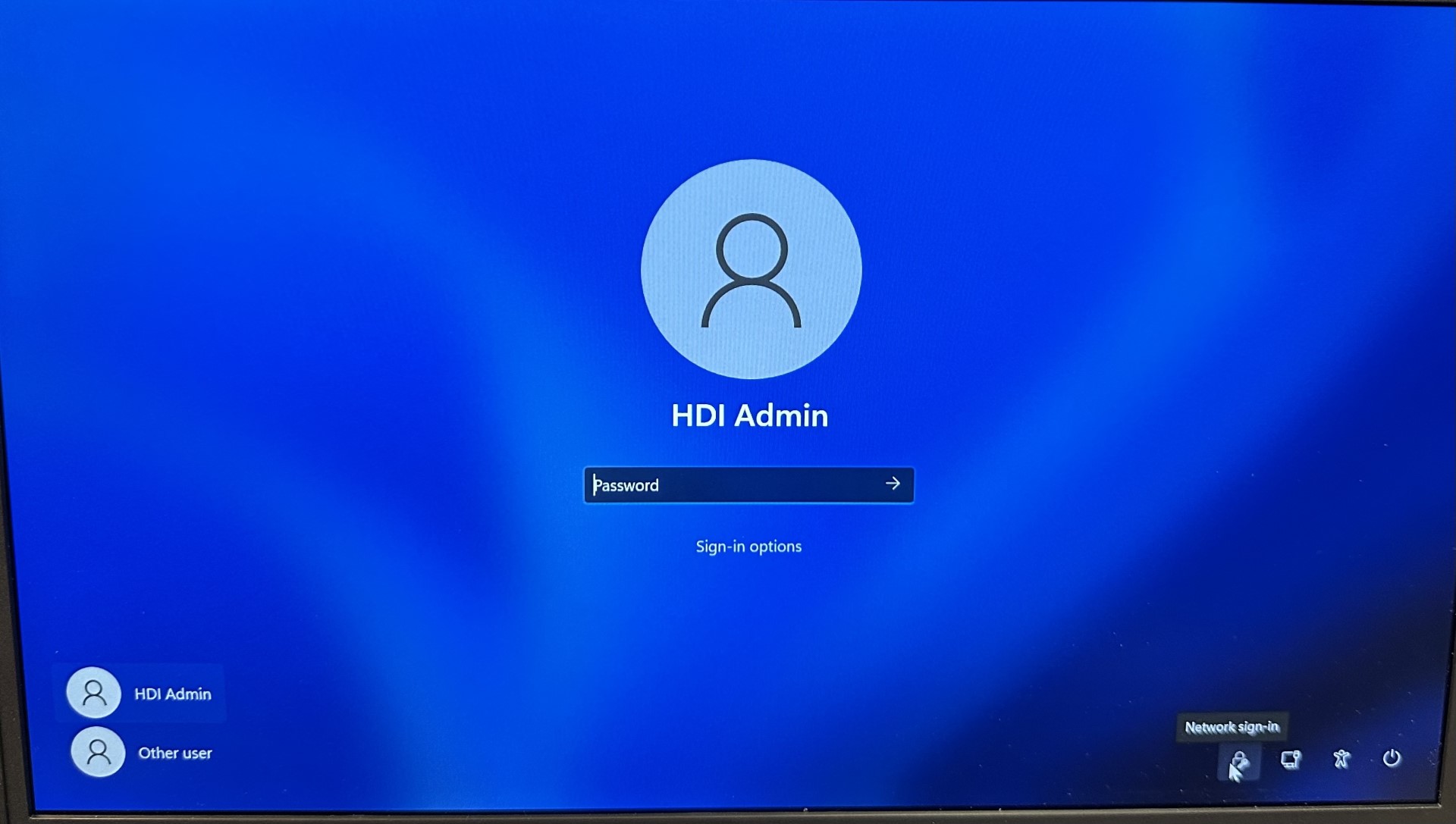
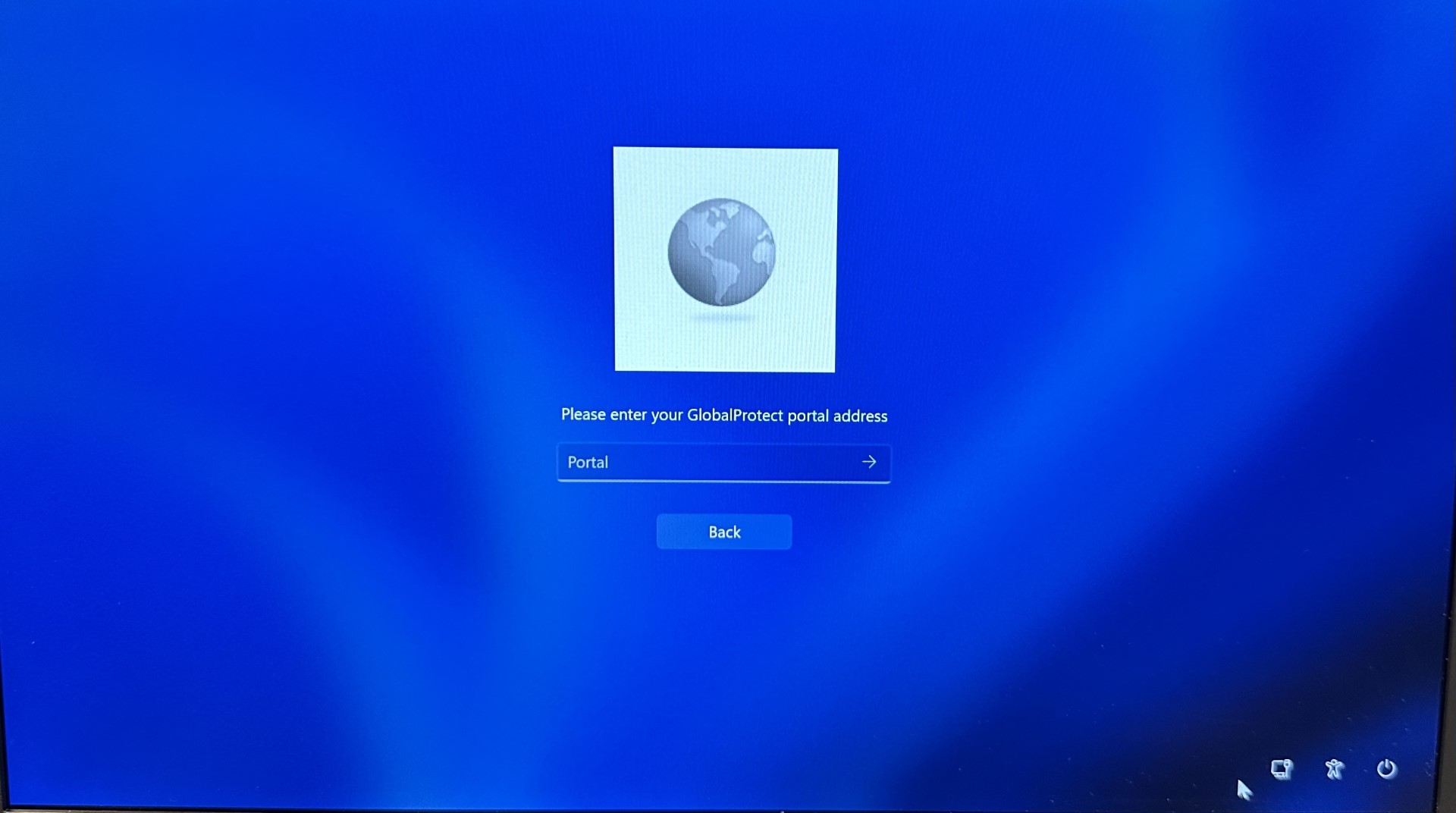
First Time Login
On Campus Employees:
- Login to the device with your UK account credentials using the "Other user" option before you leave the UK campus network.
You must login to the device before leaving the UK campus network. Otherwise, you will need to follow the instructions as if you were a remote employee.
Remote Employees:
- Request access to the VPN. Instructions for how to do this can be found here: Public - How do I request main campus VPN access? (service-now.com)
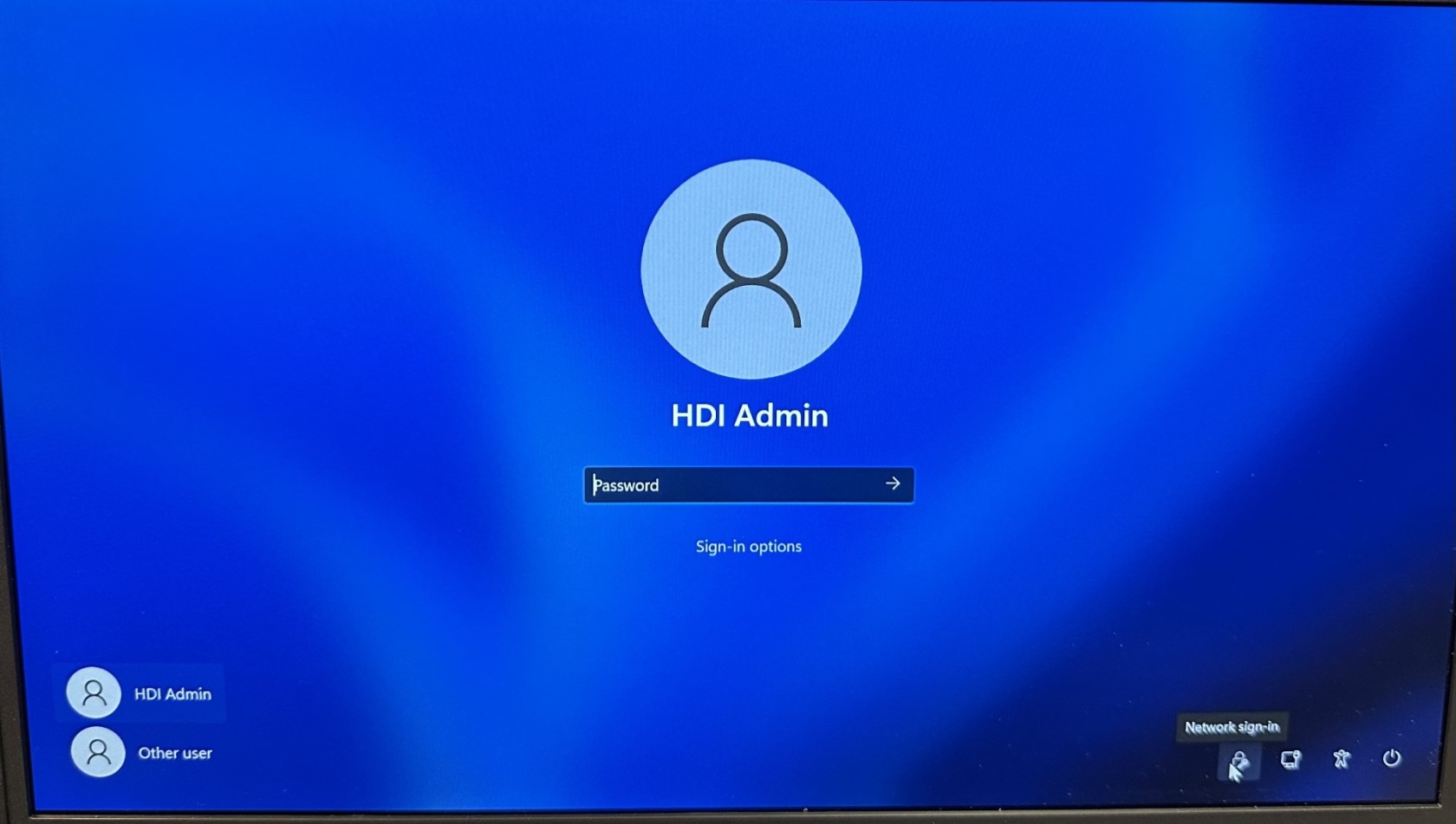
- Upon receiving your device, click on the "Network sign in" icon.
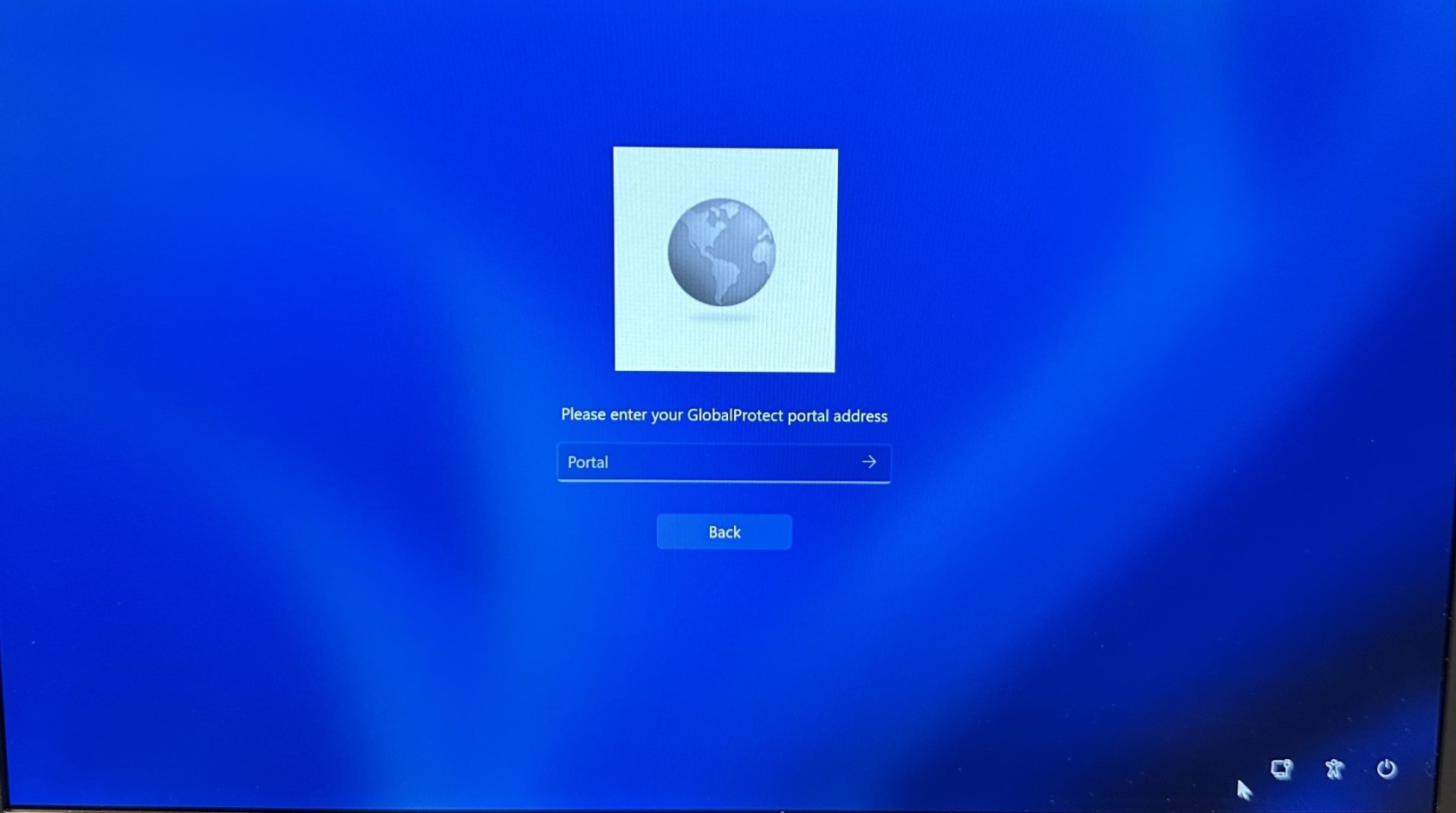
- The enter "ra.uky.edu" into the portal address field.
- The you will be prompted to use your UK account credentials to login to the network via the SSO page.
- Login to the device with their UK account credentials using the "Other user" option.